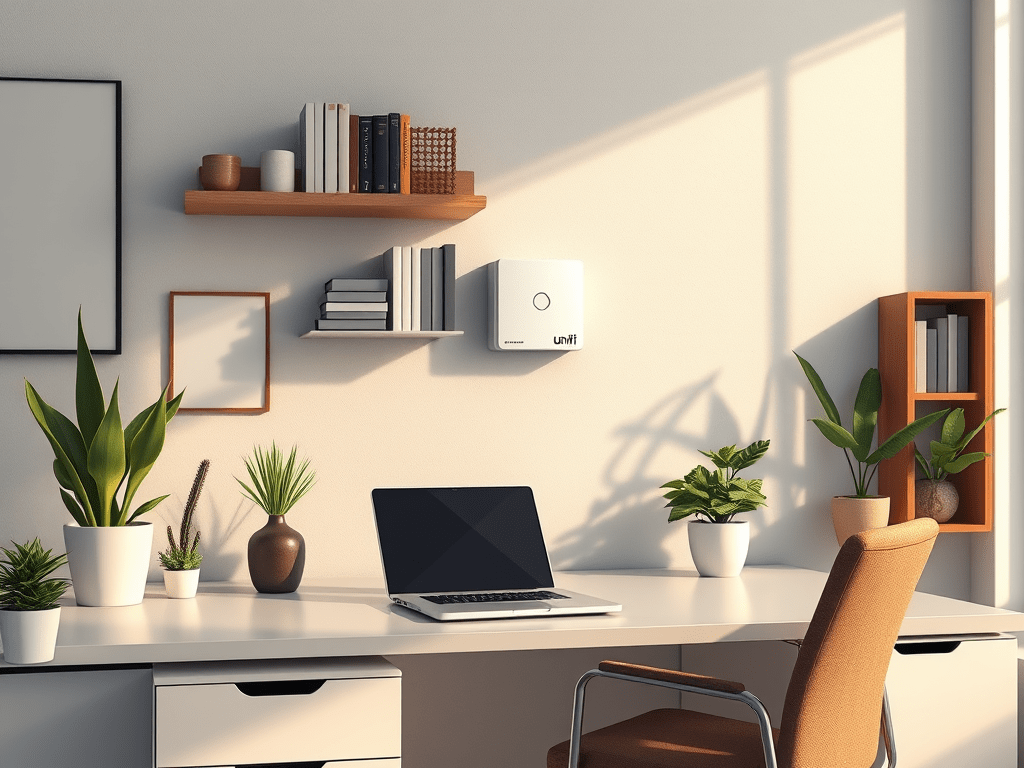
In today’s digital age, securing your home office network is more crucial than ever. With the rise of remote work, ensuring that your network is protected from cyber threats is essential. One effective way to safeguard your network is by using the UniFi Cloud Gateway. This powerful tool not only enhances security but also provides a seamless and efficient way to manage your network. This guide explores how you can protect your home office network using the UniFi Cloud Gateway, its features, benefits, and how to set it up.
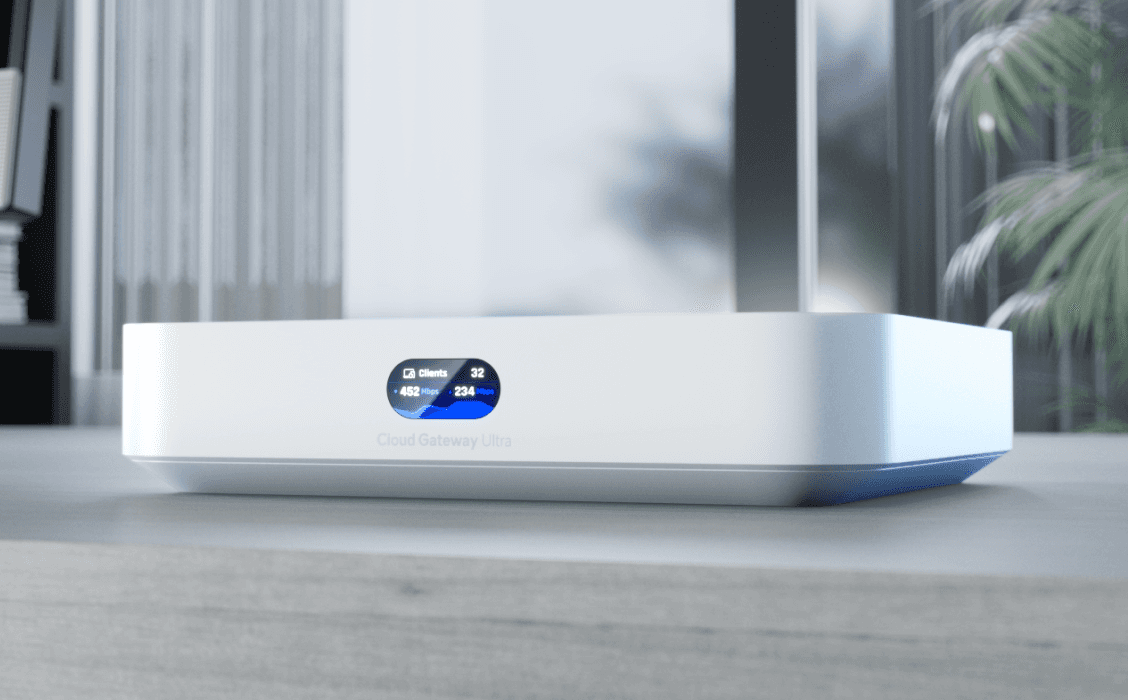
https://store.ui.com/us/en/category/cloud-gateways-compact/products/ucg-ultra
Understanding the Importance of Network Security
The Rise of Remote Work
The shift towards remote work has been significant in recent years, driven by technological advancements and global events. This transition has made home networks a prime target for cybercriminals, as they often lack the robust security measures found in corporate environments. Protecting your home office network is no longer optional; it’s a necessity to safeguard sensitive data and maintain productivity.
Common Cyber Threats
Home networks face a variety of cyber threats, including malware, phishing attacks, and unauthorized access. These threats can lead to data breaches, financial loss, and compromised personal information. Understanding these risks is the first step in implementing effective security measures.
The Role of a Secure Gateway
A secure gateway acts as a barrier between your home network and potential threats. It monitors incoming and outgoing traffic, blocks malicious activities, and provides a secure connection for all your devices. The UniFi Cloud Gateway is designed to offer these protections, making it an ideal choice for home office networks.
Features of the UniFi Cloud Gateway
Comprehensive Security Features
The UniFi Cloud Gateway is equipped with advanced security features to protect your network. It includes a firewall, intrusion detection and prevention systems, and VPN support. These features work together to create a secure environment for your home office, ensuring that your data remains safe from cyber threats.
Centralized Management
One of the standout features of the UniFi Cloud Gateway is its centralized management system. This allows you to control and monitor your entire network from a single dashboard. Whether you’re managing multiple devices or configuring network settings, the UniFi Cloud Gateway provides an intuitive interface that simplifies the process.
Scalability and Flexibility
The UniFi Cloud Gateway is designed to grow with your needs. Whether you’re expanding your home office or adding more devices, the gateway can easily accommodate these changes. Its flexible architecture ensures that you can adapt your network setup without compromising security or performance.
Setting Up the UniFi Cloud Gateway
Initial Configuration
Setting up the UniFi Cloud Gateway is straightforward. Begin by connecting the gateway to your modem and powering it on. Use the UniFi Network Controller software to access the setup wizard, which will guide you through the initial configuration process. This includes setting up your network name, password, and security settings.
Connecting Devices
Once the initial setup is complete, you can start connecting your devices to the network. The UniFi Cloud Gateway supports both wired and wireless connections, allowing you to connect a wide range of devices, from computers and smartphones to smart home gadgets. Ensure that each device is configured to use the network’s security features for optimal protection.
Optimizing Network Performance
After connecting your devices, it’s important to optimize your network for performance. The UniFi Cloud Gateway offers tools to monitor bandwidth usage, prioritize traffic, and manage network load. These features help maintain a fast and reliable connection, even when multiple devices are in use.
Benefits of Using UniFi Cloud Gateway
Enhanced Security
By using the UniFi Cloud Gateway, you significantly enhance the security of your home office network. Its comprehensive security features protect against a wide range of threats, ensuring that your data and devices remain safe. This peace of mind allows you to focus on your work without worrying about potential cyber attacks.
Improved Network Management
The centralized management system provided by the UniFi Cloud Gateway simplifies network administration. You can easily monitor network activity, configure settings, and troubleshoot issues from a single interface. This streamlined approach saves time and reduces the complexity of managing a home office network.
Cost-Effective Solution
Investing in the UniFi Cloud Gateway is a cost-effective solution for securing your home office network. Its robust features eliminate the need for multiple security devices, reducing overall costs. Additionally, its scalability ensures that you won’t need to replace the gateway as your network grows, providing long-term value.
Maintaining Network Security
Regular Updates and Maintenance
To ensure ongoing protection, it’s important to keep your UniFi Cloud Gateway and connected devices updated. Regular firmware updates provide the latest security patches and feature enhancements. Schedule routine maintenance checks to identify and resolve potential issues before they become major problems.
Educating Network Users
Educating everyone who uses your home office network about security best practices is crucial. Encourage strong password policies, caution against phishing attempts, and promote safe browsing habits. An informed user is less likely to fall victim to cyber threats, further securing your network.
Monitoring Network Activity
Consistently monitoring network activity can help identify unusual patterns that may indicate a security breach. The UniFi Cloud Gateway provides tools to track traffic and detect anomalies. By staying vigilant, you can quickly respond to potential threats and minimize their impact.
Conclusion
Protecting your home office network with the UniFi Cloud Gateway is a smart investment in today’s digital landscape. Its advanced security features, centralized management, and scalability make it an ideal choice for remote workers and small businesses alike. By following the setup and maintenance guidelines outlined here, you can ensure a secure and efficient network that supports your work-from-home needs. Stay proactive in your approach to network security, and enjoy the peace of mind that comes with a protected digital environment.
 5whys
5whys 
Leave a comment